Imagine a child who knows exactly what they want to say, but cannot get the words out. This often leads to frustration, confusion and missed opportunities to connect with others. For many children with speech and language needs, this is a daily reality.
Augmentative and Alternative Communication (AAC) provides a way to bridge that gap. Using symbols, images and simple words, AAC allows children to express their needs, choices and ideas in a way that works for them.
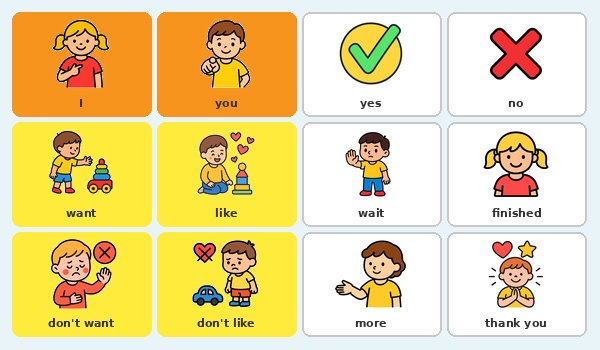
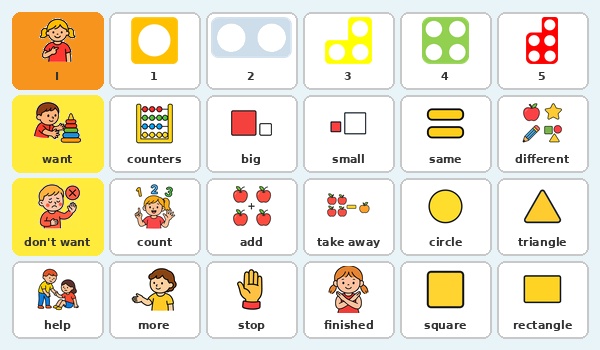
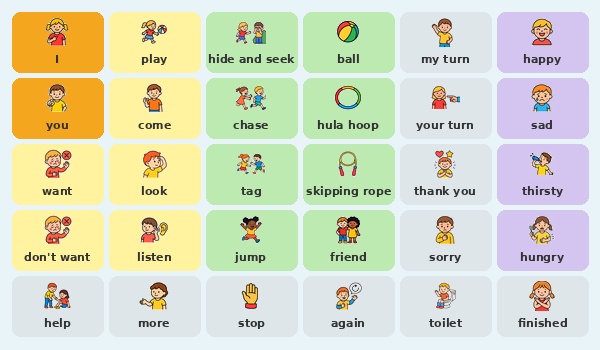
LiberiComm.co.uk offers a simple and flexible way to create your own communication boards. Whether you need a digital board for use on a device or a printable version for the classroom, the platform allows you to build something that is tailored to your pupils.
Understanding LiberiComm and AAC Board Fundamentals
Why Choose LiberiComm for Your Communication Needs?
LiberiComm is designed to remove complexity from creating communication resources. Teachers, parents and therapists can build boards quickly, without needing design skills or specialist training.
 The platform focuses on what matters most:
-
speed
-
simplicity
-
flexibility
You can create boards that reflect real-life situations, rather than relying on fixed or generic resources. This makes them more meaningful and more likely to be used.
One of the key advantages of LiberiComm is its ability to create communication boards simply and quickly, with digital versions that include spoken audio and printable versions for use in any setting.
Where do the images come from? LiberiComm includes a built-in symbol library, and if a specific image isn’t available, it can be generated instantly using AI. This means you can quickly create exactly what you need without searching elsewhere.
Core Components of an Effective Communication Board
A well-designed communication board combines a few essential elements.
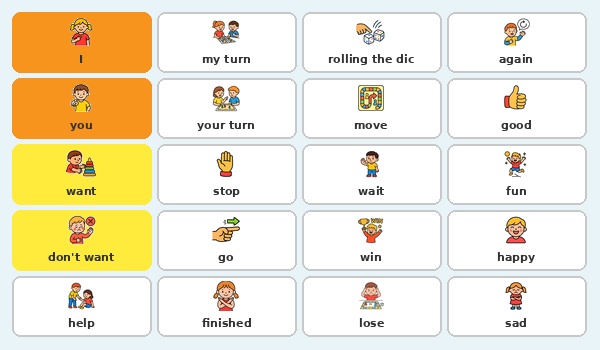
Core vocabulary includes high-frequency words such as go, want and help. These form the foundation of everyday communication.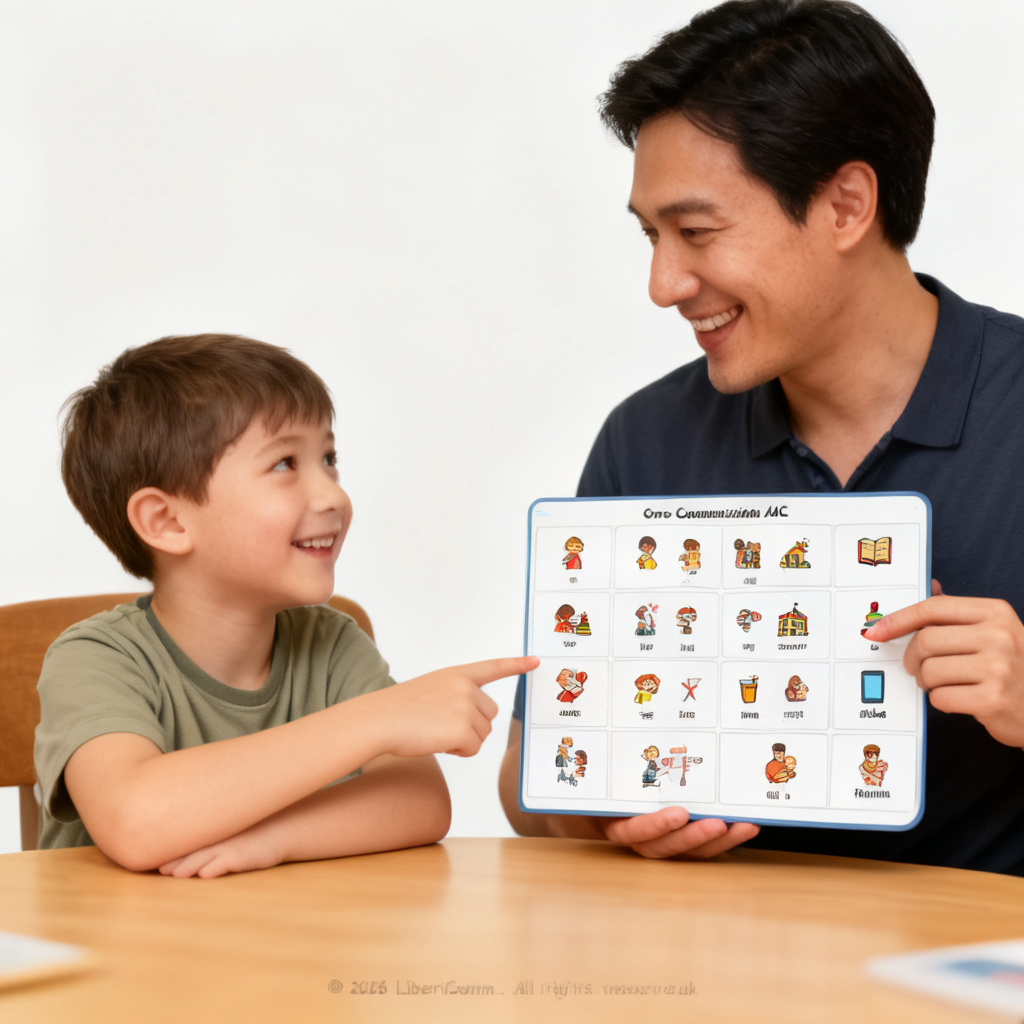
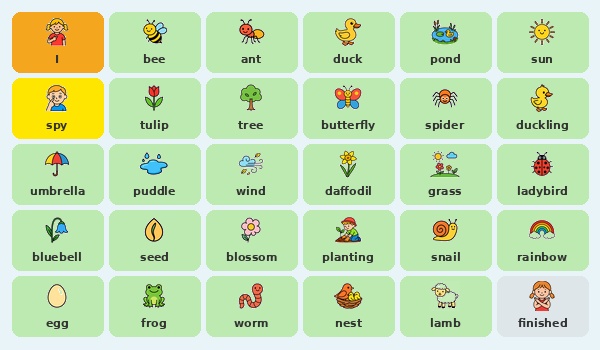
Fringe vocabulary adds more specific words, such as slide, snack or home, allowing children to communicate about their immediate environment.
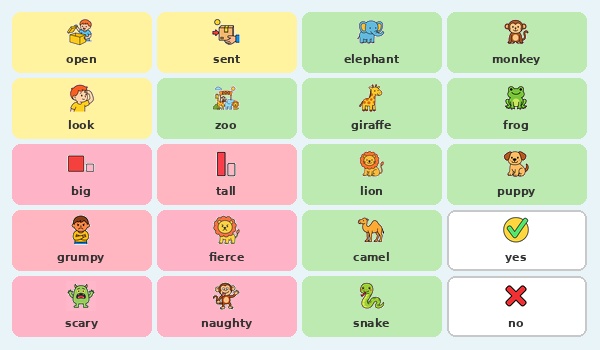
Visual symbols support understanding, particularly for children who are not yet reading. Clear images help children quickly recognise and select what they want to say.
Keeping layouts simple and consistent is important. When children know where to find words, communication becomes faster and more independent.
Digital vs Printable Communication Boards
LiberiComm allows you to create both digital and printable boards, depending on your needs.
Digital boards can be used on tablets or interactive screens. Symbols can be selected quickly, and when tapped, the word is spoken out loud, providing immediate auditory feedback and supporting language development.
Printable boards provide a physical resource that can be used anywhere, including classrooms, playgrounds and home environments. Laminated versions are especially useful for daily use.
Many settings benefit from using both. A digital board can support structured sessions, while a printed version provides a consistent visual reference throughout the day.
Step-by-Step Guide to Creating Your First Board
Navigating the LiberiComm Interface and Symbol Libraries
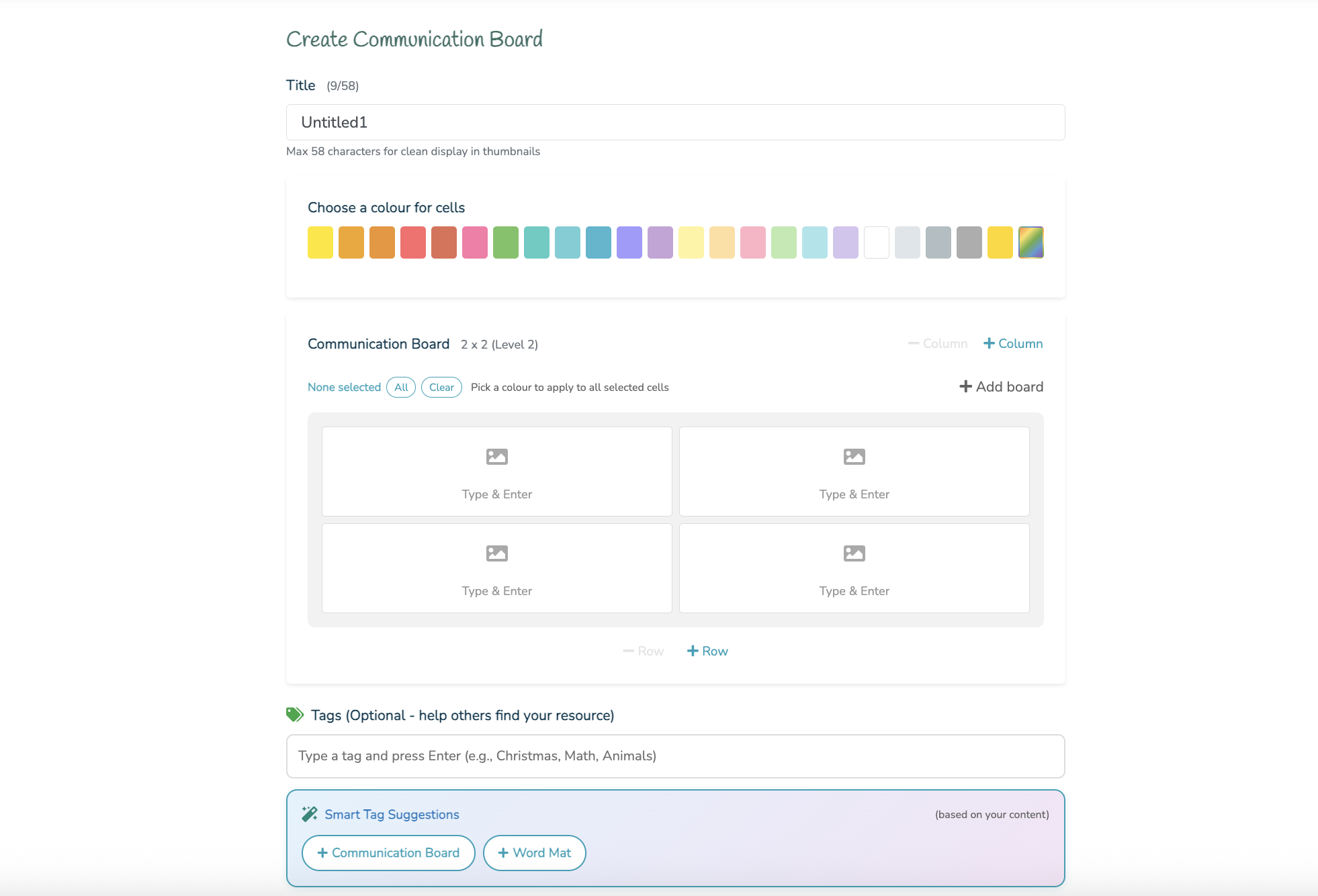
Log into LiberiComm.co.uk and open the creation area. Scroll down, and choose Communication Boards. The interface is designed to be straightforward, allowing you to begin building immediately.
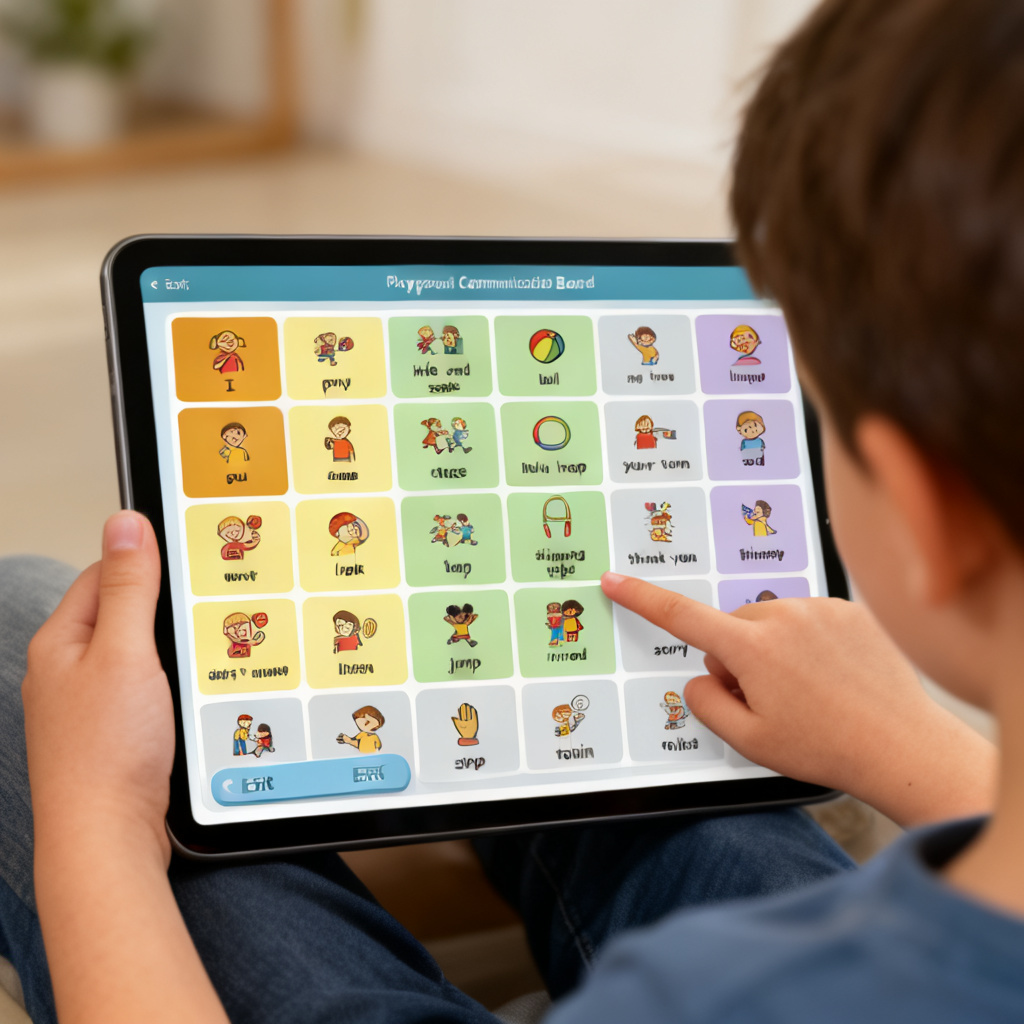 To add a symbol, simply type the word and press enter. If the image already exists in our library, it will appear instantly on enter. If the symbol you need is not available, AI will generate it for you in about 20-30 seconds. This removes the need to search for images elsewhere and keeps the entire process quick and focused.
Structuring Your Board for Intuitive Use
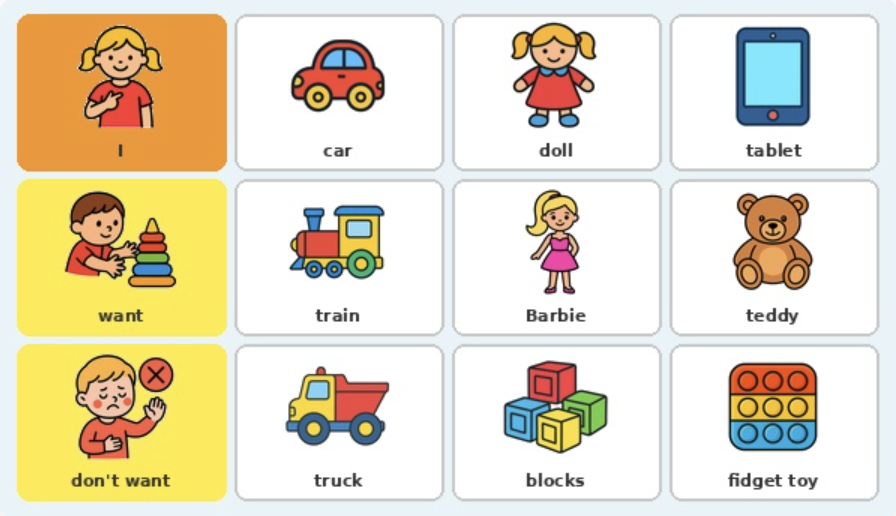
Start with a simple layout. A small grid 2x2 works well for beginners, helping children focus without becoming overwhelmed. Once confident, begin to increase the size by adding a column or a row.
Place commonly used words in easy-to-reach positions. These should be visible and quick to access during use.
You can also group vocabulary into categories, helping children find what they need more easily. For example, actions in one area and objects in another.
The goal is to make communication as simple and intuitive as possible.
Customising Vocabulary to Match Real Life
One of the biggest advantages of LiberiComm is the ability to tailor vocabulary.
You can:
-
add familiar people or places
-
include specific activities from your setting
-
create symbols that reflect your environment
This is particularly important for children who rely on clear cause and effect. If a symbol does not lead to a real outcome, it may reduce motivation to use the board.
For example, including a swing symbol when there is no swing available can cause confusion. Customisation ensures that every symbol has meaning.